

English


Paperback
₹6021
₹6553
8.12% OFF
(All inclusive*)
Delivery Options
Please enter pincode to check delivery time.
*COD & Shipping Charges may apply on certain items.
Review final details at checkout.
Looking to place a bulk order? SUBMIT DETAILS
Delivery Options
Please enter pincode to check delivery time.
*COD & Shipping Charges may apply on certain items.
Review final details at checkout.
About The Book
Description
Author(s)
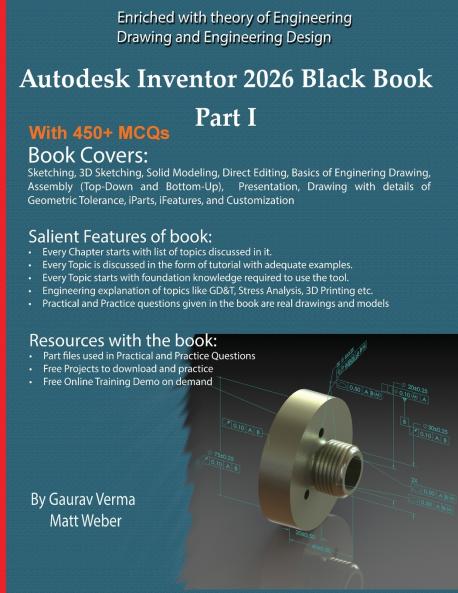
<p><strong>Autodesk Inventor 2026 Black Book Part I</strong> is the ultimate guide for learning 3D mechanical design using Autodesk Inventor 2026. Tailored for students engineers and CAD professionals this hands-on book walks you through real-world projects with step-by-step tutorials and practical workflows.</p><p></p><ul><li>Covers 2D sketching 3D part modeling assemblies and detailed drawings</li><li>Updated for the Inventor 2026 interface and features</li><li>Includes 450+ Multiple Choice Questions (MCQs) for self-assessment and exam prep</li><li>Ideal for beginners and intermediate users</li><li>Perfect for engineering design CAD training and Inventor certification</li></ul><p></p><p>Whether you are starting fresh or upgrading your skills this book is your trusted companion for mastering Autodesk Inventor 2026.</p><p>Some of the salient features of this book are:</p><p></p><p><strong>In-Depth explanation of concepts</strong></p><p>Every new topic of this book starts with the explanation of the basic concepts. In this way the user becomes capable of relating the things with real world.</p><p></p><p><strong>Topics Covered</strong></p><p>Every chapter starts with a list of topics being covered in that chapter. In this way the user can easy find the topic of his/her interest easily.</p><p></p><p><strong>Instruction through illustration</strong></p><p>The instructions to perform any action are provided by maximum number of illustrations so that the user can perform the actions discussed in the book easily and effectively. There are about 1140 small and large illustrations that make the learning process effective.</p><p></p><p><strong>Tutorial point of view</strong></p><p>At the end of concept's explanation the tutorial makes the understanding of users firm and long lasting. Almost each chapter of the book has tutorials that are real world projects. Moreover most of the tools in this book are discussed in the form of tutorials.</p><p></p><p><strong>Project</strong></p><p>Projects and exercises are provided to students for practicing.</p><p></p><p><strong>For Faculty</strong></p><p>If you are a faculty member then you can ask for video tutorials on any of the topic exercise tutorial or concept. As faculty you can register on our website to get electronic desk copies of our latest books self-assessment and solution of practical. Faculty resources are available in the Faculty Member page of our website (www.cadcamcaeworks.com) once you login. Note that faculty registration approval is manual and it may take two days for approval before you can access the faculty website.</p>

Piracy-free

Assured Quality

Secure Transactions

Fast Delivery

Sustainably Printed
Details
ISBN 13
9781774591741
Publication Date
-26-04-2025
Pages
-596
Weight
-1384 grams
Dimensions
-216x280x30.61 mm
