

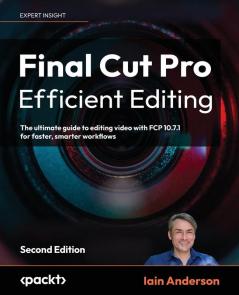
English
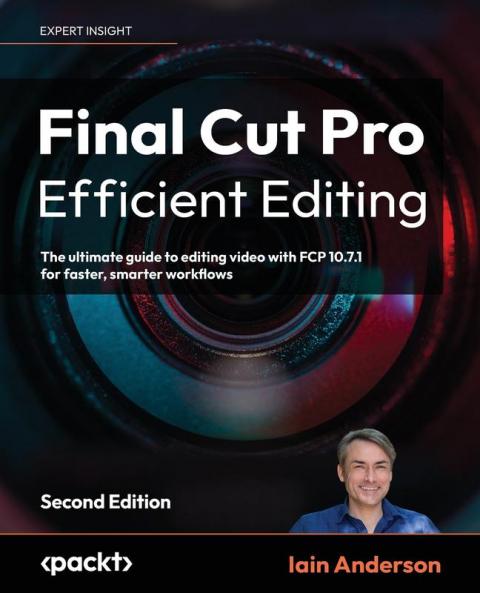


Paperback
₹9726
₹10973
11.36% OFF
(All inclusive*)
Delivery Options
Please enter pincode to check delivery time.
*COD & Shipping Charges may apply on certain items.
Review final details at checkout.
Looking to place a bulk order? SUBMIT DETAILS

Piracy-free

Assured Quality

Secure Transactions
About The Book
Description
Author
<p><strong>Unlock the hidden gems of video editing with Iain Anderson Apple Certified Trainer </strong></p><p><strong>Bonus 1: Get the Ultimate FCP Keyboard Shortcut Cheat-Sheet for maximum speed! </strong></p><p><strong>Bonus 2: Get Free Digital Updates for your book regardless of the format you purchase!</strong></p><p><strong>Key Features:</strong></p><p>- Covers the newest FCP 12 features with expert tips tutorials and advanced techniques.</p><p>- Clear easy-to-follow guidance for both beginners and experienced editors.</p><p>- Updated for FCP 12 with Magnetic Mask Adjustment Clips improved timeline tools and refined color correction.</p><p><strong>Book Description:</strong></p><p>Elevate your video editing skills with Final Cut Pro 12 using practical workflows expert techniques and the latest features to enhance your creative process and give your videos a stunning look.</p><p>The second edition of this comprehensive guide covers exciting new features in FCP teaching you how to streamline your workflow with customizable workspaces shortcuts and advanced trimming tools. Explore impactful titles and a comprehensive suite of visual effects in Final Cut Pro for dynamic videos discover Final Cut Pro's audio tools to create a great-sounding mix and utilize the magnetic timeline multicam editing and enhanced color correction for every project.</p><p>Whether you're creating content for social media YouTube or Hollywood Final Cut Pro Efficient Editing Second Edition will help you take your video editing skills to the next level.</p><p><strong>What You Will Learn:</strong></p><p>- Organize and manage media from multiple sources with ease</p><p>- Edit video using an intuitive interface and powerful tools</p><p>- Streamline workflows with customizable workspaces and shortcuts</p><p>- Sync multicam interviews and master advanced trimming</p><p>- Enhance edits with AI color tools and audio workflows</p><p>- Collaborate smoothly with built-in editing tools</p><p>- Create visual effects and motion graphics titles</p><p>- Export projects in multiple formats for any platform</p><p><strong>Who this book is for:</strong></p><p>This book is ideal for aspiring and professional video editors who want to sharpen their editing skills using Final Cut Pro 12. Whether you're a content creator YouTuber educator or filmmaker this guide provides practical workflows and expert tips to help you edit faster and more creatively.</p><p>It's also perfect for editors transitioning from iMovie or upgrading from earlier FCP versions who want a smooth guided entry into Final Cut Pro's professional environment.</p><p><strong>Table of Contents</strong></p><p>- Quick start: An Introduction to FCP</p><p>- Before the Edit: Production Tips</p><p>- Bring It In: Importing Your Footage</p><p>- Sort It Out: Reviewing and Keywording</p><p>- Choose Your Favorites: Selecting Rating and Searching</p><p>- Build the Spine of the Story: Quick Assembly</p><p>- Cover It Up: Connections Cutaways and Storylines</p><p>- Neaten the edges: Trimming Techniques</p><p>- Consider Your Options: Multicam Replacing and Auditions</p><p>- Explore a Little: Compound Clips and Timeline Tricks</p><p>- Play with Light: Color Correction and Grading</p><p>- Refine and Smooth: Video Properties and Effects</p><p>- Blend and Warp: Video Transitions and Retiming</p><p>- Boost the Signal: Audio Sweetening</p><p>- A Few Words: Titles and Generators</p><p>- You're Done: Exporting Your Edit and Finishing Up</p><p>- Appendix A 360° Video Workflows</p>
Piracy-free
Assured Quality
Secure Transactions
Delivery Options
Please enter pincode to check delivery time.
*COD & Shipping Charges may apply on certain items.
Review final details at checkout.
Details
ISBN 13
9781837631674
Publication Date
-31-07-2023
Pages
-828
Weight
-1418 grams
Dimensions
-191x235x41.72 mm
