

English


Paperback
₹4797
₹5807
17.39% OFF
(All inclusive*)
Delivery Options
Please enter pincode to check delivery time.
*COD & Shipping Charges may apply on certain items.
Review final details at checkout.
Looking to place a bulk order? SUBMIT DETAILS
Delivery Options
Please enter pincode to check delivery time.
*COD & Shipping Charges may apply on certain items.
Review final details at checkout.
About The Book
Description
Author(s)
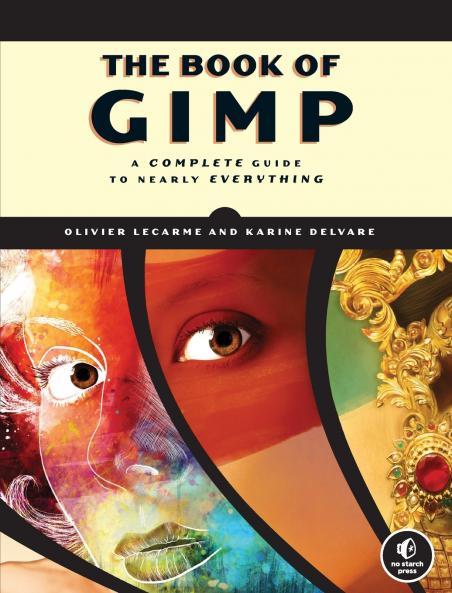
<p>GIMP is a free alternative to Adobe Photoshop with tons of professional-grade features. But with so many powerful tools and menu options GIMP can be difficult to master. Whether you&#39;re struggling to get started or trying to master some of GIMP&#39;s more complex features you&#39;ll find the answers you&#39;re looking for in&nbsp;<em>The Book of GIMP</em>.</p><p>The tutorials in the first half of the book walk you through essential GIMP skills like resizing and cropping images touching up spots and scratches and customizing your work area. Illustrated step-by-step instructions show you how to:</p><ul> <li>Improve the lighting and composition of images</li> <li>Remove distortions and noise to make old and damaged photos look like new</li> <li>Create stunning panoramas and digital collages using a series of photos</li> <li>Make edit and export custom textures logos and animated GIFs</li> <li>Work with selections channels and masks to edit images like a pro</li> <li>Create colorful digital art layer by layer</li></ul><p>The book&#39;s second half offers a comprehensive reference to GIMP&#39;s many features including color balancing masks filters and plug-ins. You&#39;ll find tools described in unparalleled detail with coverage of nearly every option and parameter.</p><p>With illustrated tutorials and detailed references&nbsp;<em>The Book of GIMP</em>&nbsp;is sure to become your one-stop guide to just about everything GIMP.</p>

Piracy-free

Assured Quality

Secure Transactions

Fast Delivery

Sustainably Printed
Details
ISBN 13
9781593273835
Publication Date
-12-01-2013
Pages
-678
Weight
-1077 grams
Dimensions
-178x233x34.54 mm
