



English
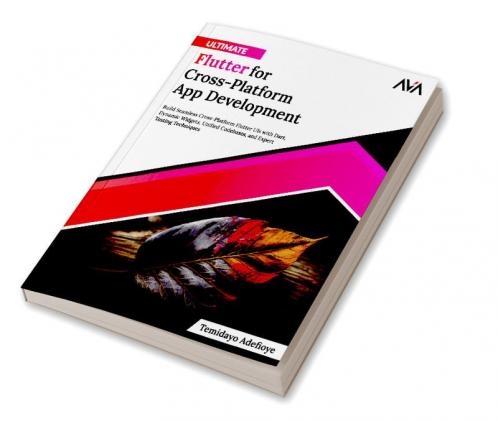




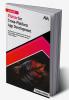


Paperback
₹1359
₹1954
30.45% OFF
(All inclusive*)
Delivery Options
Please enter pincode to check delivery time.
*COD & Shipping Charges may apply on certain items.
Review final details at checkout.
Looking to place a bulk order? SUBMIT DETAILS

Piracy-free

Assured Quality

Secure Transactions
About The Book
Description
Author
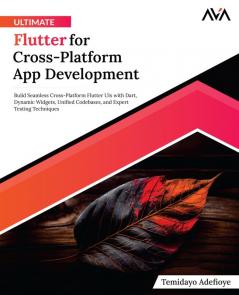
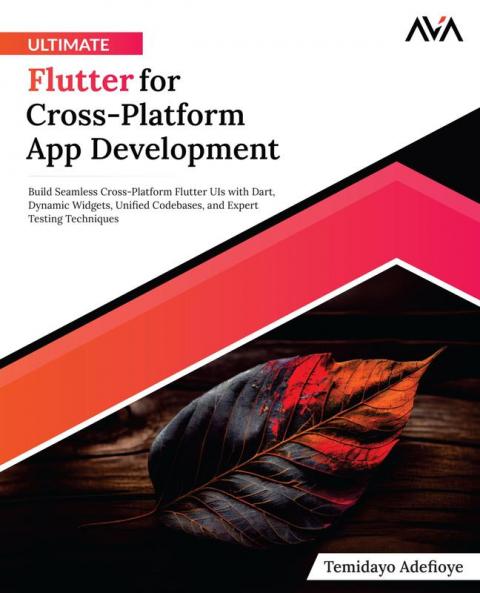
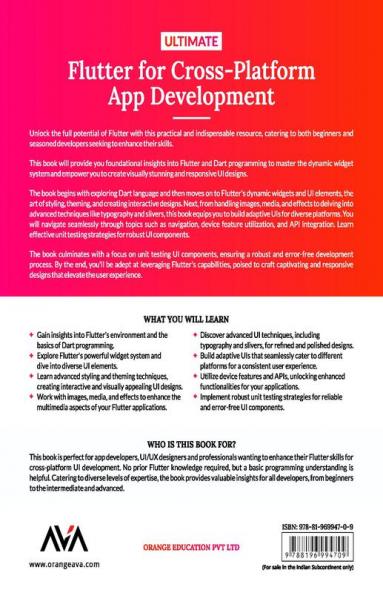
<p><strong style=color: rgba(0 0 0 1)>Elevate Your Cross-Platform Development Skills with Flutter and Dart and Advanced UI Techniques.</strong></p><p><br></p><p><strong style=color: rgba(0 0 0 1)>Book Description</strong></p><p><span style=color: rgba(0 0 0 1)>Unlock the full potential of Flutter with this practical and indispensable resource catering to both beginners and seasoned developers seeking to enhance their skills.</span></p><p><br></p><p><span style=color: rgba(0 0 0 1)>This book will provide you with foundational insights into Flutter and Dart programming to master the dynamic widget system and empower you to create visually stunning and responsive UI designs.</span></p><p><br></p><p><span style=color: rgba(0 0 0 1)>The book begins with exploring Dart language and then moves on to Flutter's dynamic widgets and UI elements the art of styling theming and creating interactive designs. Next from handling images media and effects to delving into advanced techniques like typography and slivers this book equips you to build adaptive UIs for diverse platforms. You will navigate seamlessly through topics such as navigation device feature utilization and API integration. Learn effective unit testing strategies for robust UI components.</span></p><p><br></p><p><strong style=color: rgba(0 0 0 1)>Table of Contents</strong></p><p><strong style=color: rgba(0 0 0 1)>SECTION 1 Getting Started with Flutter</strong></p><p><span style=color: rgba(0 0 0 1)>1. Introduction to Flutter and its Environment</span></p><p><span style=color: rgba(0 0 0 1)>2. Introduction to Dart Programming</span></p><p><span style=color: rgba(0 0 0 1)>3. Exploring Flutter Widgets and UI Elements</span></p><p><br></p><p><strong style=color: rgba(0 0 0 1)>SECTION 2 Building Modern UI Designs</strong></p><p><span style=color: rgba(0 0 0 1)>4. Styling Theming and Interactive UI Designs in Flutter</span></p><p><span style=color: rgba(0 0 0 1)>5. Working with Images Media and Effects in Flutter</span></p><p><span style=color: rgba(0 0 0 1)>6. Typography Slivers and Advanced UI Techniques in Flutter</span></p><p><br></p><p><strong style=color: rgba(0 0 0 1)>SECTION 3 Creating Cross-Platform UIs</strong></p><p><span style=color: rgba(0 0 0 1)>7. Building Adaptive UIs for Different Platforms</span></p><p><span style=color: rgba(0 0 0 1)>8. Handling Navigation and Routing</span></p><p><span style=color: rgba(0 0 0 1)>9. Utilizing Device Features and APIs</span></p><p><br></p><p><strong style=color: rgba(0 0 0 1)>SECTION 4 Testing and Debugging Flutter UIs</strong></p><p><span style=color: rgba(0 0 0 1)>10. Widget Testing UI Components</span></p><p><span style=color: rgba(0 0 0 1)>11. Conclusion and the Next Steps</span></p><p><span style=color: rgba(0 0 0 1)>&nbsp;&nbsp;&nbsp;&nbsp;&nbsp;&nbsp;</span><strong style=color: rgba(0 0 0 1)>Index</strong></p>
Piracy-free
Assured Quality
Secure Transactions
Delivery Options
Please enter pincode to check delivery time.
*COD & Shipping Charges may apply on certain items.
Review final details at checkout.
Details
ISBN 13
9788196994709
Publication Date
-09-02-2024
Pages
-418
Weight
-725 grams
Dimensions
-190.5x234.95x22.07 mm
